
FRP Bypass Apk Download Free For Android New Version
Kamarkanda Store
6 Oct 2025
5 MB
3.0
Android 5.0+
17k

Description
Table Of Contents
- About FRP Bypass Apk
- What people mean by “FRP Bypass APK”
- Features of FRP Bypass APK
- Risks of using FRP bypass APKs
- Pros And Cons of FRP Bypass Mod APK
- Top Five FAQ
- Final Terms — FRP Bypass APK (Short & Clear)
About FRP Bypass Apk
FRP Bypass APK is used to bypass FRP (Factory Reset Protection). It helps you access your Android device without entering the password of the Google account that you previously used on this device during the FRP. It also disables factory reset protection, so you can enable it later with a new Google account. This FRP bypass is very important for you if you are using an Android device. So, if you are also looking for an app that helps you access your Android device without entering a Google account, this FRP bypass is perfect for you. I have shared the FRP Bypass APK download link here so you can download it to use it on your device.
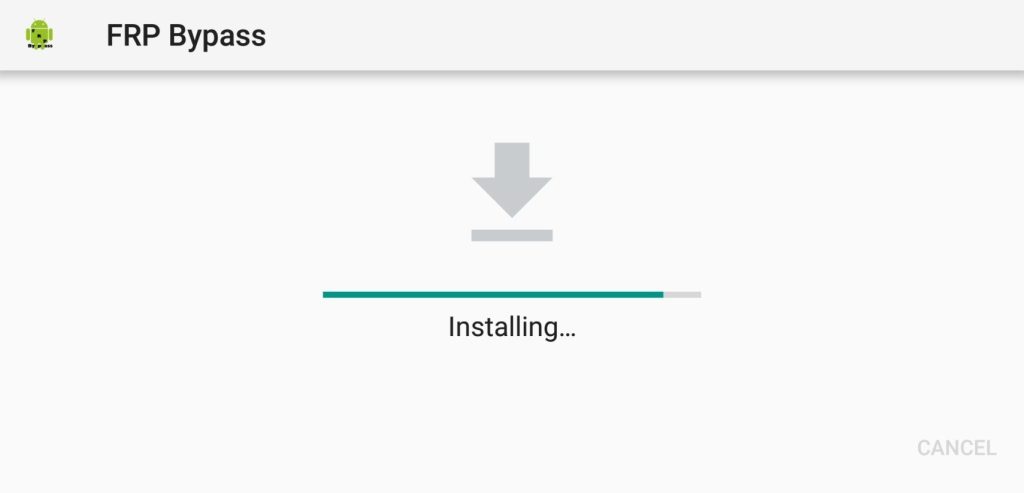
FRP (Factory Reset Protection) is a security patch developed by Google to protect your Android device. When you sign in to a Google account on your new device, it enables FRP by default. If, for some reason, you reset your device, you will need to sign in with that Google account. This is to protect your data from unauthorised users. This is a great feature of FRP. But if you forget the password, you will not be able to access your device. In this case, FRP Bypass is the only option you are left with. There are several ways to bypass FRP. First, disable FRP on the device. Second, reset the device to bypass the verification. And the most popular way is to use the FRP bypass.
What people mean by “FRP Bypass APK”
When people search for FRP Bypass APK, they’re usually looking for an app that can remove or circumvent FRP verification so they can use or resell the phone without the original account credentials. While some use such tools for legitimate reasons (e.g., they legally own a phone but lost access to the account), these tools are also misused to unlock stolen devices — which is illegal in many jurisdictions.
Important: I will not provide or describe procedures or links that enable bypassing FRP. Below we cover high-level information, risks, and lawful alternatives.
Features of FRP Bypass APK
supported by multiple devices
It is supported by many devices. You can use it on almost any device to bypass FRP protection. You don’t need to download different apps for different Android devices. Not only that, but you can use the FRP Bypass Galaxy Tool, or maybe Oppo or other phones. Most Android devices support the use of this application.
No additional app/tool required
All you need is this apk on a USB drive and an OTG cable. No other apps or tools are needed. It is very easy and simple to use. All you will need is the initial download and “probably” you have a laptop and a USB cable. To use this application, you just need to follow a few simple steps.
Bypass FRP in minutes
With this apk, you will be able to bypass the FRP protection lock in minutes. There are no complicated steps. You will be able to bypass all the protections preventing you from accessing the functionalities of your device.
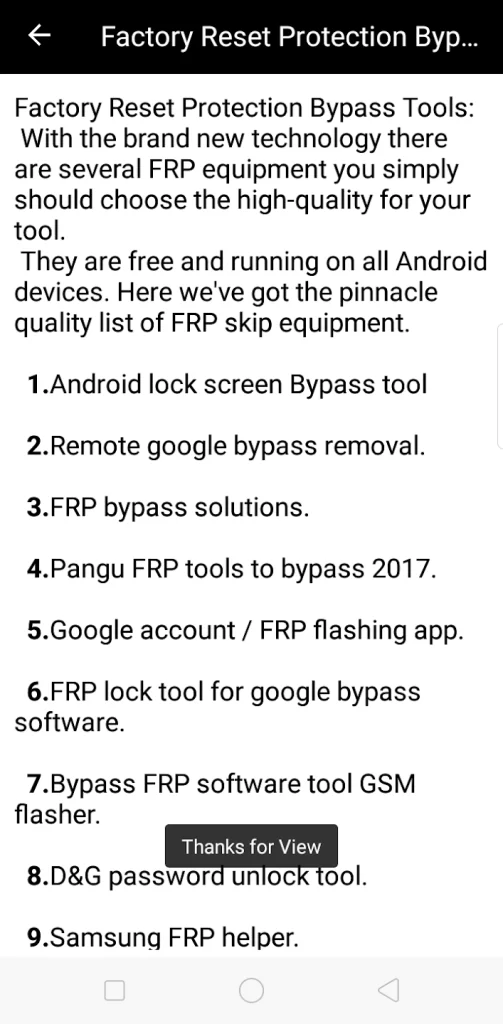
Easy-to-use interface
It has an easy-to-use interface. You can use it easily after installing it on your device. There are no complicated options. Below are full instructions for more tips on how to use Bypass FRP.
An Easy Way to Use FRP Bypass
Download FRP Bypass from here using another device or PC and copy it to the USB drive > Connect the USB drive using OTG to the device you are facing FRP on > After connecting the USB key, File Manager will open Tools. Now go to the folder where you have this app > Open the app and install > Since you are going to install an app from an unknown source for the first time after a hard reset, it will ask for permission > Access the setting and enable installation from the unknown. From source > Now install it again and once the installation is complete, open it > This will open the settings menu. Navigate to the Backup & Reset option > then tap Factory data reset, then Erase everything > tap the Confirm button. This will erase all data from your device > Now you can start using your device with a new Google account.
Risks of using FRP bypass APKs
Legal risk: Using bypass tools on a device you don’t own or without the owner’s consent can be illegal.
Malware risk: Third-party APKs from untrusted sites often contain malware, spyware, or adware.
Bricking risk: Improper modification can render a device unusable.
Privacy & data loss: You may lose data or expose private information.
No OS updates / warranty void: Using unofficial tools can void warranties and break official update paths.
Pros And Cons of FRP Bypass Mod APK
Pros of the FRP Bypass APK:
- Device Access: It helps users regain access to their Android devices when locked out due to forgotten credentials or factory reset protection.
- Easy to Use: FRP Bypass APK provides a user-friendly interface, making it accessible to users of various technical backgrounds.
- Time-saving: By bypassing FRP, it eliminates the need to go through lengthy procedures or contact customer support to unlock devices.
- Cost-effective: It offers a free alternative to expensive professional services for unlocking Android devices.
Cons of FRP Bypass APK:
- Security Risks: Bypassing FRP can compromise the security of the device and its data, as it circumvents built-in security measures.
- Voiding Warranty: Using the FRP Bypass APK may void the device’s warranty, as it involves modifying system settings and bypassing security protocols.
- Device Compatibility: Not all Android devices are compatible with FRP Bypass APK, which limits its effectiveness for certain models or software versions.
- Technical Knowledge: Some users may require technical expertise to bypass FRP successfully, which can be particularly challenging for those with limited technical knowledge.
Top Five FAQ
What is an FRP Bypass APK?
A third-party app claimed to remove or circumvent Android’s Factory Reset Protection (FRP), which is the lock that requires the original Google account after a factory reset.
Is using an FRP Bypass APK legal?
It depends on context and local law. Using such tools on a device you don’t legally own or without the owner’s consent is often illegal. Even if you own the device, laws and OEM policies vary — always prefer official recovery channels first.
Are FRP Bypass APKs safe?
No — they carry high risks: malware, spyware, data theft, bricking the device, voided warranty, and loss of official updates or support. Many APKs on unofficial sites are malicious or unreliable.
What should I do if I’m locked out of my phone (legitimately)?
Try official, safe options: Google Account Recovery, contacting the original owner/seller, or contacting the device manufacturer or carrier with proof of purchase/ID. These routes protect your device and legal standing.
Can manufacturers or carriers remove FRP?
Yes — many OEMs and carriers will help disable FRP or restore access if you can prove ownership (receipt, IMEI, personal ID). That’s the recommended and lawful route.
Final Terms — FRP Bypass APK (Short & Clear)
What it is: A category of third-party apps or tools that claim to remove Android Factory Reset Protection (FRP) checks.
We do not provide or endorse bypass tools: I cannot assist with downloads, step-by-step bypass instructions, or links that would enable circumventing device security.
Legal risk: Using bypass methods on a device you don’t own or without the owner’s explicit permission may be illegal in many jurisdictions.
Security risk: Third-party APKs often contain malware, spyware, or adware and can permanently damage (brick) the device.
Privacy & warranty: Bypassing FRP can expose personal data and typically voids manufacturer warranties and official update paths.
Safer alternatives: Use Google account recovery, contact the original owner/seller, or request OEM/carrier support with proof of purchase and ID.
When help is OK: It’s acceptable to seek legitimate support if you can prove ownership — manufacturers and carriers often assist after verification.
Recommendation: Prioritize official, verifiable channels. If you want, I can draft a short “How to recover access legitimately” checklist or a buyer’s checklist to avoid FRP issues.
You may choose some similar interesting applications like
Miga World Apk
1 Club Apk

What's new
- UI Enhancement
- Bug Resolved
- User-Friendly Interface
- Performance improvement
Images


Facebook comments
Related apps





Latest Apps
-
 The Room APK – Best Puzzle Adventure for Android1.11 Fireproof Games
 -
Maneater APK Free Download – Open World Shark Game1.3 HandyGames
-
Oreno Waifu APK – Play Anime Waifu Dating Game Free3.3 Oreno Waifu Dev
-
Block Blast APK – Free Puzzle Game Download (Latest)8.7.3 HungryStudio
-
Grok Apk – Advanced AI Chat App Free Download1.0.89-release.00 xAI
-
Most viewed Apps
-
Diamond Wala Mod Apk Get (Unlimited Diamonds) Free for Android4.1 Md Sanaullah Amir
-
HiddenLeaf APK: Enjoy the Best Features Free for Android1.0.0 HiddenLeaf.to
-
Watch Out Behind You Hunter Apk For Android Latest Version1.1 for Android lelckvaren
-
Deep Nude APK for Android – New Features & Updates 202511.5 Mohamed Fysal
-
Get SUN NXT Mod Apk For Android (Free Subscription)4.0.63 Sun TV Network Limited
-
Latest Blog


