
Snapseed APK Free Download for Android | Best Editor
Google LLC
29 Oct 2025
28.2 MB
2.19.1.303051424
Android 5.0+
100Cr+

Description
Table of Contents
What is Snapseed APK?
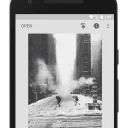
Snapseed APK is a powerful and free photo editing application developed by Google, designed to help users enhance and transform their photos with professional-level tools. With its easy-to-use interface, Snapseed offers a wide range of filters, effects, and adjustment options like brightness, contrast, healing, and selective editing. Whether you’re a beginner or a pro, this app lets you edit photos effortlessly and achieve stunning results directly from your Android device. The Snapseed APK version gives users full access to all premium features without limitations, making it one of the best photo editing app.
Features of Snapseed APK
- Supports RAW & JPG files: Edit high-resolution images with full control.
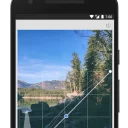
- 25+ Tools & Filters: Including Healing, Brush, Structure, HDR, Perspective, Curves, Lens Blur, and more.
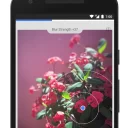
- Selective edits: Place control points to selectively adjust brightness, contrast, and saturation in specific areas.
- New UI overhaul (iOS version 3.0) with three main sections — Looks, Faves, Tools — making editing faster and easier.
- “Faves” tab: Save your favorite tools for quick access, making repeat edits faster.
- Film-style filters: 31 new analogue-film inspired filters added (for the latest version).
- Perspective correction & transformation tools: Fix skewed lines or adjust image geometry.
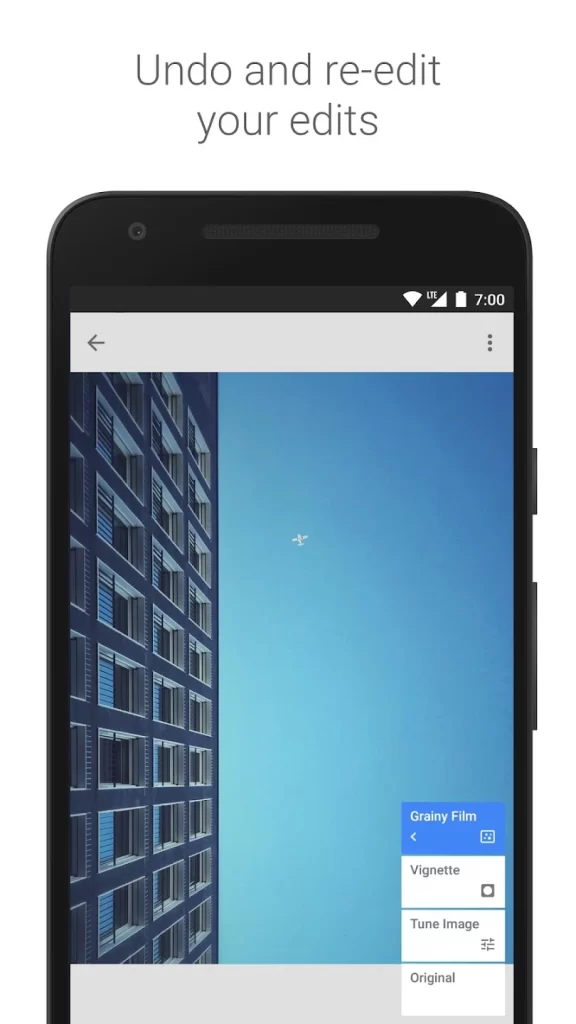
- Non-destructive editing: Stack of edits retained so you can tweak or revert individual steps.
- One-tap Looks and custom Looks: Use presets or save your own custom filter combinations to apply repeatedly.
- Smart export options and quick sharing support.
How to Download & Install Snapseed APK on Android
- Review details before Proceed to downloading
- Tap Download Snapseed APK (Latest Version).
- Enable Install from Unknown Sources in settings.
- Open the downloaded file and tap Install.
- Once installed, launch Snapseed and start editing photos instantly.
How to Use Snapseed APP
- Open the Snapseed APK app and tap ‘+’ to import a photo.
- Use tools like Tune Image, Crop, and Healing to edit.
- Apply filters or effects to enhance your photo.
- Adjust brightness, contrast, or details as needed.
- Tap Export to save or share your edited image instantly.
What’s New in Snapseed APK Latest Version 2025?
- A completely redesigned interface: tabs relocated to the bottom, new layout shows edited images in a grid.
- Introduction of a “Faves” tab, letting you save and quickly access your favourite editing tools.
- New film-inspired filters based on real emulsions (Kodak, Fujifilm, Polaroid, etc) for vintage/analog looks.
- Enhanced editing support for RAW and JPG files, improving flexibility and photo quality.
- Improved user workflow: the “Tools” section relocated, “Export” moved to top-right, making editing more intuitive.
- Updated icon and branding elements to reflect the new version’s fresh look.
Snapseed APK vs PicsArt APK – Which One is Better?
| Feature | Snapseed APK | PicsArt APK |
|---|---|---|
| Target Audience | Photo enthusiasts, hobbyist photographers want fine control and editing precision. | Creators, social-media users, and graphic designers who want creative tools, filters, stickers, and community features. |
| Cost / Monetisation | Fully free, no subscription required. | Free basic version, but many advanced tools, assets, and features require a premium subscription (PicsArt Gold). |
| RAW File Support | Yes — supports RAW (DNG) file editing for high-quality control. | Lacks full RAW file support (as of current comparison). |
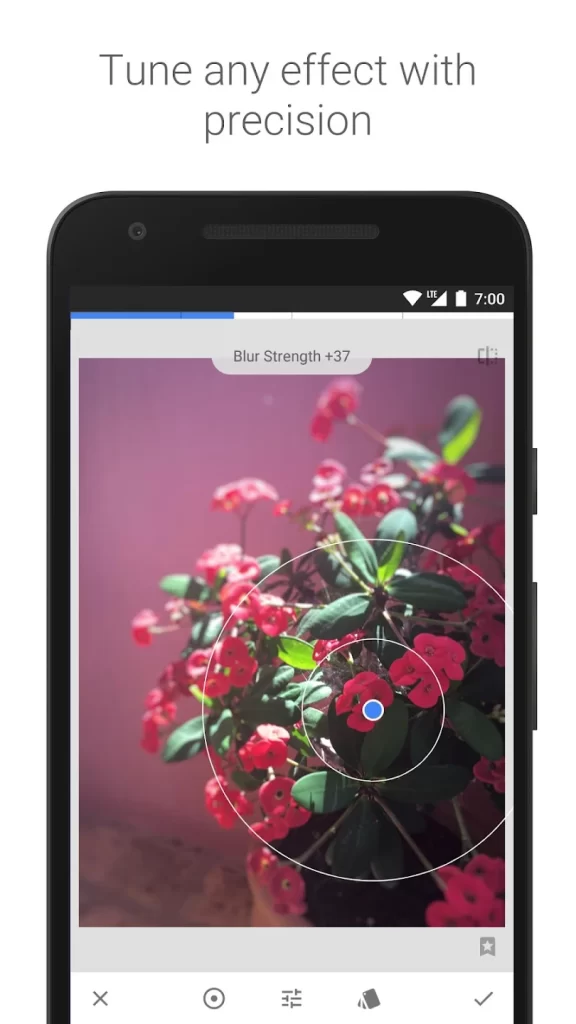
| Editing Tools / Precision | Strong in manual adjustments: Tune Image, Curves, Selective, Healing, Perspective etc. | Broad creative toolset: filter library, stickers, collages, layers, background removal, AI effects. |
| Creative / Design Features | Focused more on photo correction/enhancement rather than design or collage. | Rich in creative features: collages, drawing, templates, video editing, community sharing. |
| User Interface & Ease of Use | Minimalist, clean interface, easier for direct photo enhancement. | More complex interface with many choices, which may be overwhelming for simple edits. |
| Best Use Case | If you want to improve photo quality, fine-tune details, do serious editing on mobile without cost. | If you want creative freedom, social sharing, design elements, fun filters, and are okay with subscription. |
| Limitations | Fewer creative collage/design features; less focus on templates/stickers/social network. | Some advanced features locked behind paywall; may require time to learn; free version has ads/limits. |
Advantages & Disadvantages of Snapseed Mod APK Premium
Advantages:
- 100% free with no ads or subscriptions.
- Professional-grade editing tools and filters.
- Supports RAW and JPG file formats.
- Easy-to-use interface, ideal for beginners.
- Non-destructive editing keeps original quality.
Disadvantages:
- Lacks social sharing and creative templates.
- No layer or collage feature.
- Occasional lag on older devices.
- Limited updates for Android compared to iOS.
- Slight learning curve for advanced tools.
Frequently Asked Questions
Is Snapseed APK free to use?
Yes, Snapseed APK is completely free and offers all professional photo editing tools without any subscription or hidden charges.
Is Snapseed APK safe to download?
Yes, downloading Snapseed APK from a trusted source or the official link is completely safe and virus-free.
Can I use Snapseed APK offline?
Yes, you can edit photos offline using Snapseed APK without needing an internet connection.
Does Snapseed APK support RAW photo editing?
Absolutely! Snapseed supports both RAW (DNG) and JPG file formats for high-quality photo editing.
Is Snapseed APK available for iOS devices?
Snapseed is officially available for both Android and iOS devices through Google Play Store and App Store.
What makes Snapseed APK better than other photo editors?
Snapseed offers pro-level tools, clean UI, and zero ads—making it perfect for users who want advanced photo editing without paying extra.
Final Verdict – Should You Download Snapseed App in 2026?
Snapseed APK is one of the best free photo editing apps available in 2025, offering professional tools, filters, and effects in a simple interface. Whether you’re a beginner or expert, it’s perfect for creating stunning, high-quality photos effortlessly.
Best Alternatives to Snapseed App for Android Users
- Pixlr APK – Quick and easy photo editing with fun overlays and effects.
- AirBrush APK – Perfect selfies with retouch tools and beauty filters.
- PhotoDirector APK – Creative photo editor with animation and sky replacement features.
You may choose some similar interesting applications like ManoMano Pro APK , Forza Horizon 5 Apk

Images
Facebook comments
Related apps






Developer's apps


Latest Apps
-
 Forza Horizon 5 Apk: Download and Play for Free on Androidvaries with devices Dmitriy Dotsenko 52 MB
 -
Solitaire APK – Best Free Card Game Experience on Android4.60.00 Tripledot Studios Limited 144.1 MB
-
Fluffy Icon Pack APK – Complete Guide for Android Users1.4 AppixoStudio 115 MB
-
Aloha Browser APK – Private Browser with Free VPN7.12.2 Aloha Mobile 155 MB
-
Kasi Lifestyle 3D APK Latest Update – Realistic Kasi Simulation1.2.3.3a+ EUX Studios SA 549 MB
-
Most viewed Apps
-
Diamond Wala Mod Apk Get (Unlimited Diamonds) Free for Android4.1 Md Sanaullah Amir 34 MB
-
Forza Horizon 5 Apk: Download and Play for Free on Androidvaries with devices Dmitriy Dotsenko 52 MB
-
Google Gboard APK – Smart Typing Made Easy Free for Android15.4.8.755290236-release-arm64-v8a Google LLC 11.8 MB
-
Freecine Apk 2025 new version for android download3.0.4 Defective Different World 40 MB
-
Rick Browser Apk: Fast, Secure & Free for Android3.0.2 Smar Company ltd 45 MB
-
Latest Blog


